
Proof of every job.
Photos, voice notes, video, and scans, stamped with the time and place, filed to the right project, and written up by AI into daily logs and client-ready reports. Works with no signal.
 iPhone app
coming soon
14-day free trial, every feature, no card required. $12.99/month after.
- General contractors
- Remodelers
- Electricians
- Plumbers
- HVAC
- Roofers
- Painters
- Landscapers
- Handymen
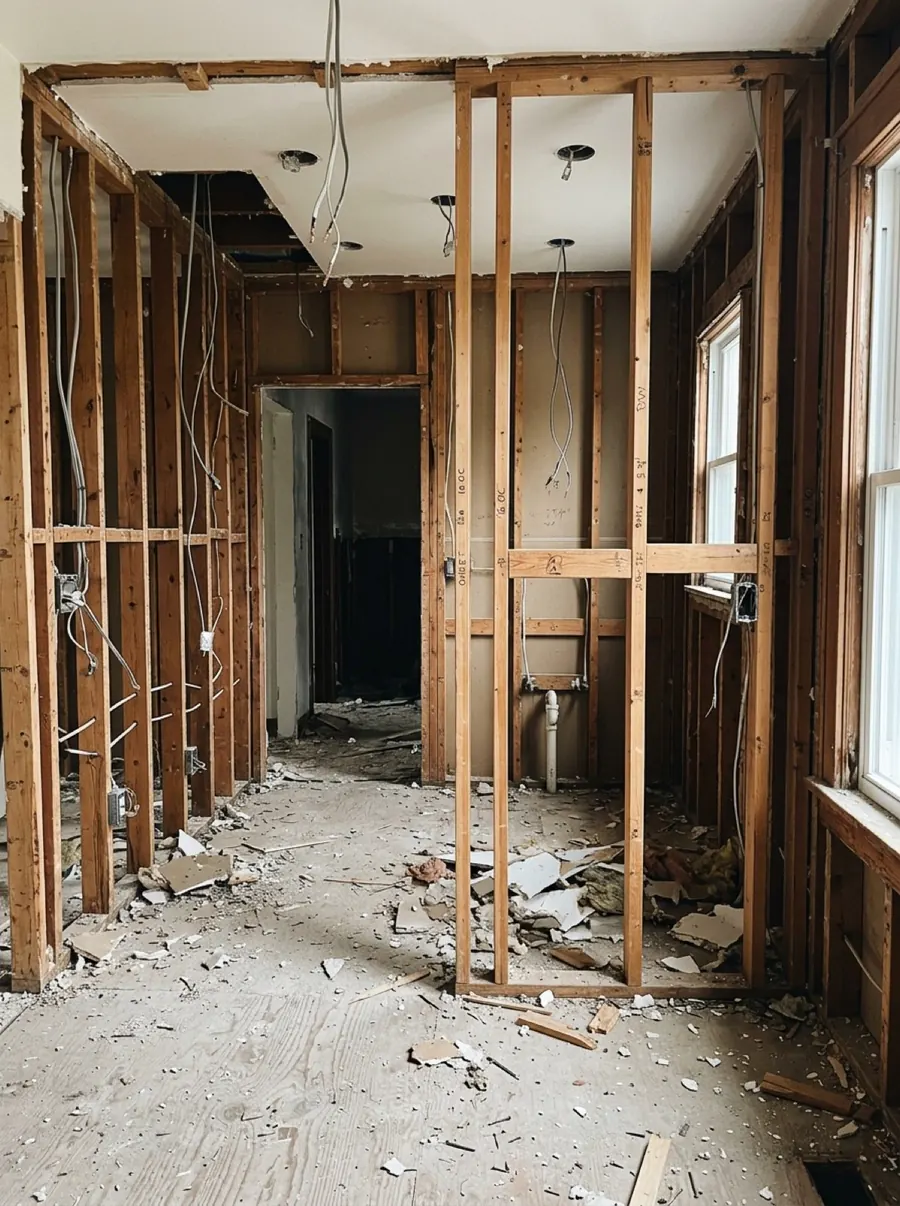
The job file is scattered across your camera roll, your texts, and your memory.
Thousands of photos, no job names
Finding the one shot that shows the subfloor before it was covered takes twenty minutes of scrolling, if it's still on the phone at all.
The daily log gets written at 6 p.m.
From memory, in the truck, after a full day on site. Or it doesn't get written, and the details are gone by Friday.
Your word against theirs
When a client says the damage was already there, a crew's memory isn't evidence. A dated, located photo filed to the job is.
Capture it once. Everything else is done for you.
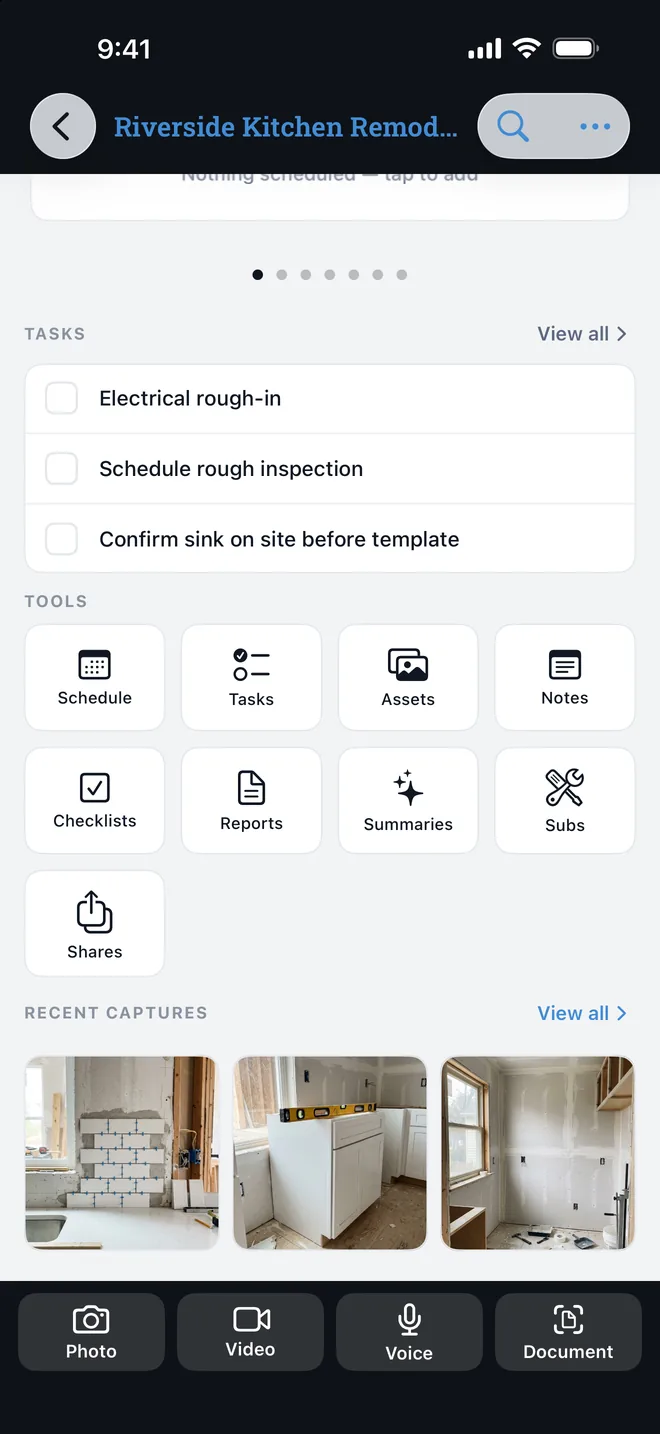
One tap, filed to the right job.
Pick the project once and every photo, video, voice note, and document scan lands in it, stamped with the date, time, and GPS location. No signal in the basement? It saves on the phone and syncs when you're back.
- Photos, video, voice memos, and document scans
- Time and location stamped on every capture
- Works fully offline, syncs across your devices
Talk through the job. Keep your hands on the work.
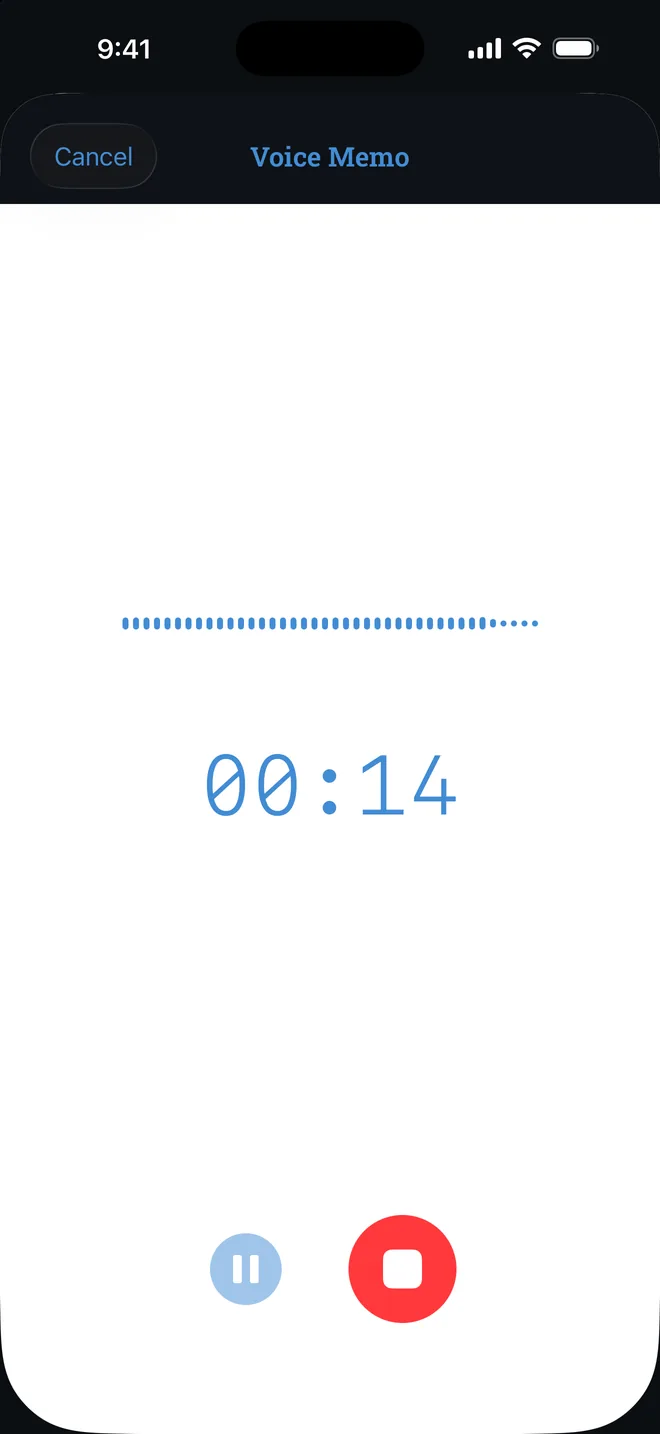
Walk the site and say what you see. ProjectProof transcribes the memo and structures it into clean notes, so nobody types on a ladder.
- Hands-free voice memos
- Automatic transcription and cleanup
- Every spoken word is searchable later
AI does the paperwork.
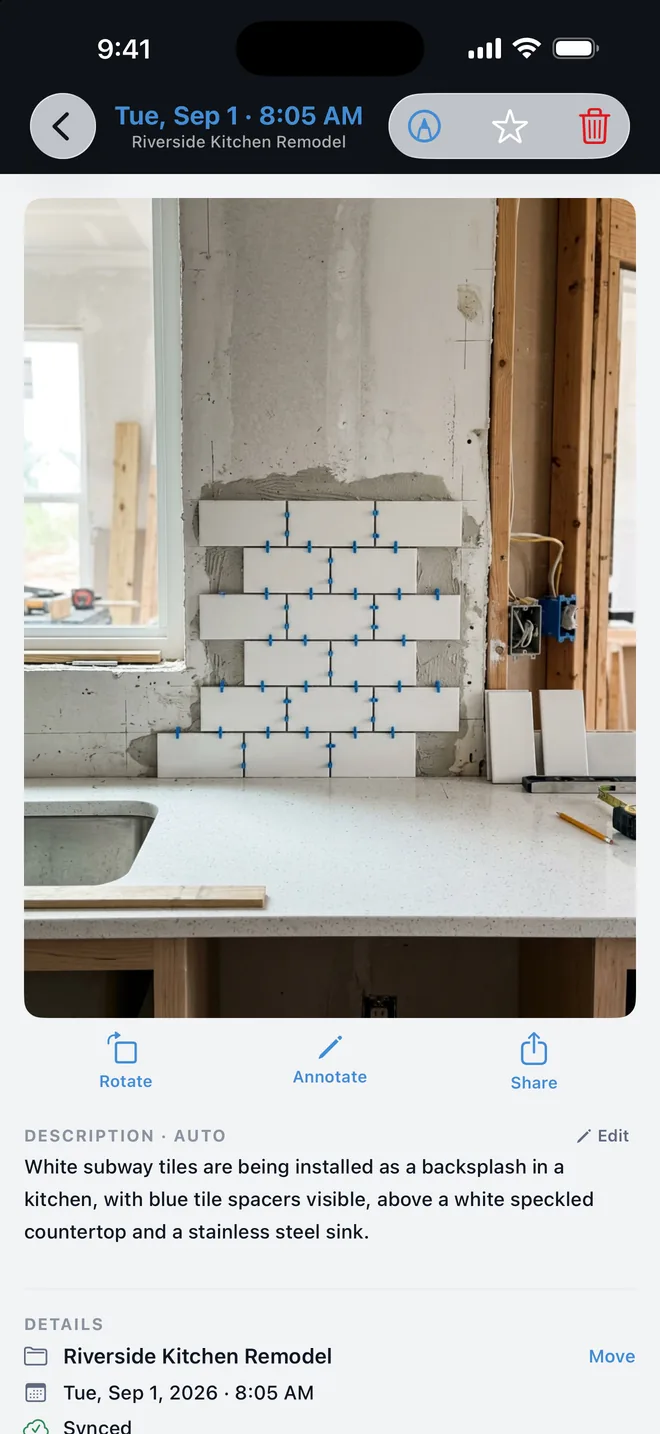
Every photo gets a written description you can search. At the end of the day, one tap rolls the day's captures into a summary for each project.
“White subway tiles are being installed as a backsplash in a kitchen, with blue tile spacers visible, above a white speckled countertop and a stainless steel sink.”
ProjectProof AI · Sep 1
Crews, inspections, and punch lists in the same app.
Schedule crews and inspections across every project, keep a punch list per job, and run reusable checklists. Clients and subcontractors live in one directory.
- Schedule by list, day, week, or month
- Tasks and checklists for every project
- Search across everything you've captured
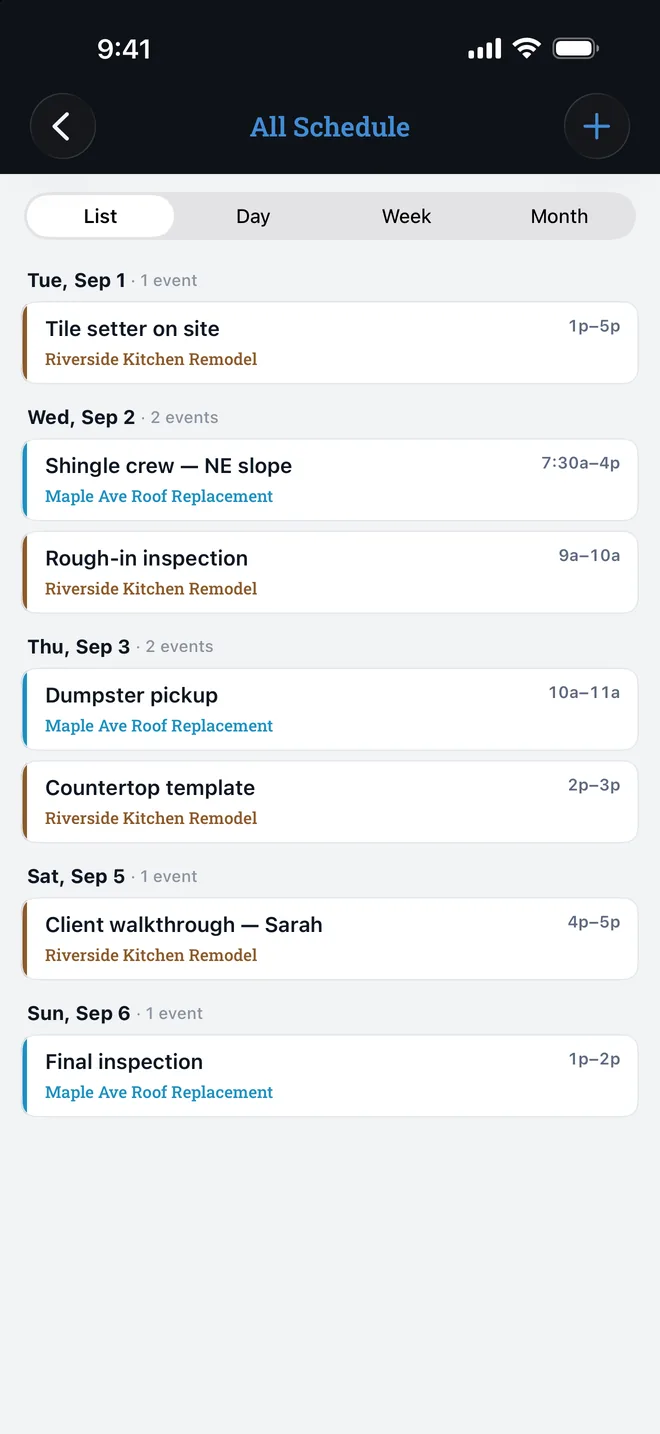
Every capture is a record.
When a client, GC, inspector, or insurer asks what happened and when, you open the project and show them. Then send a report with your name on it.
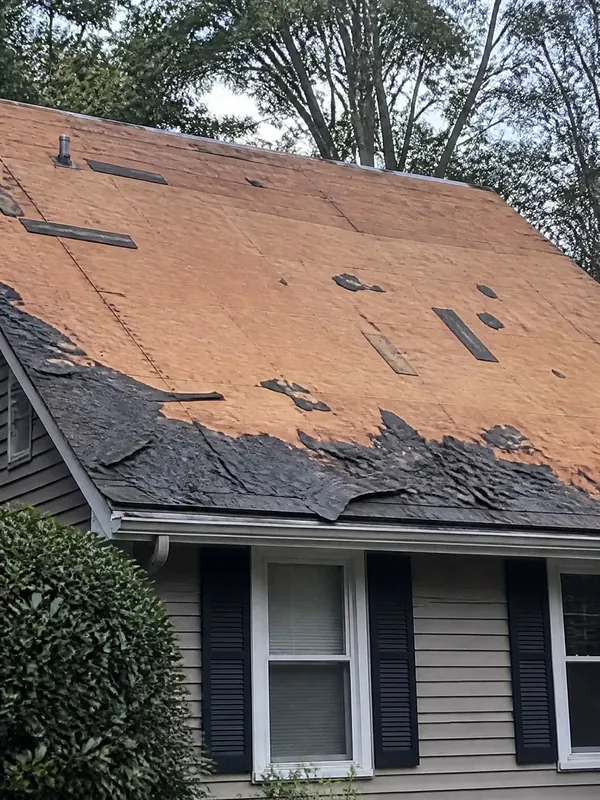
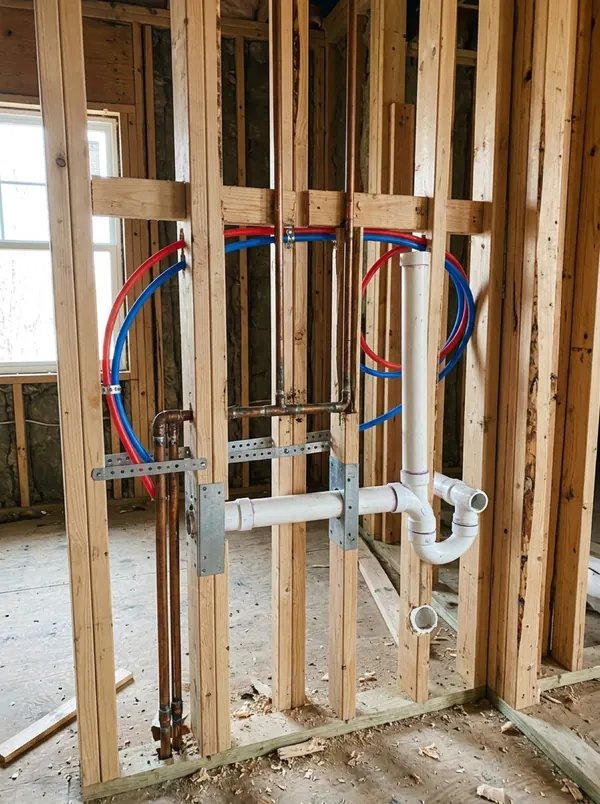
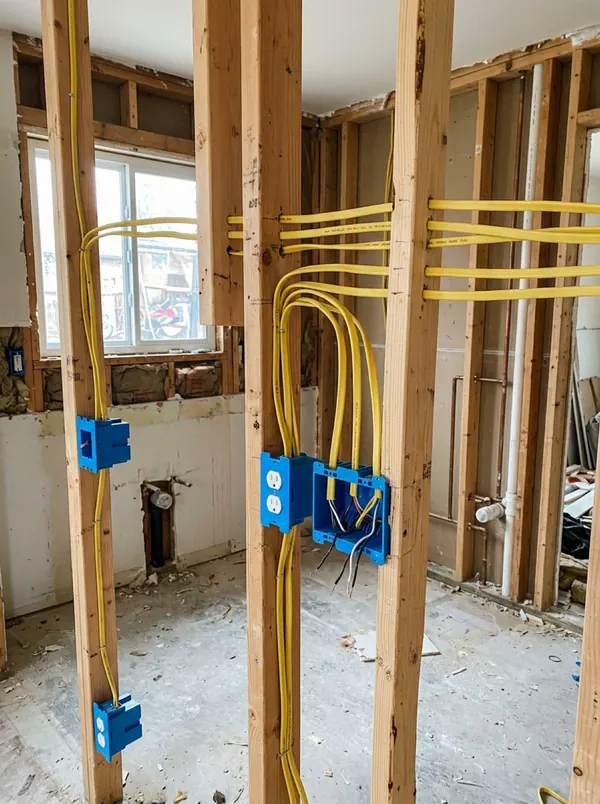
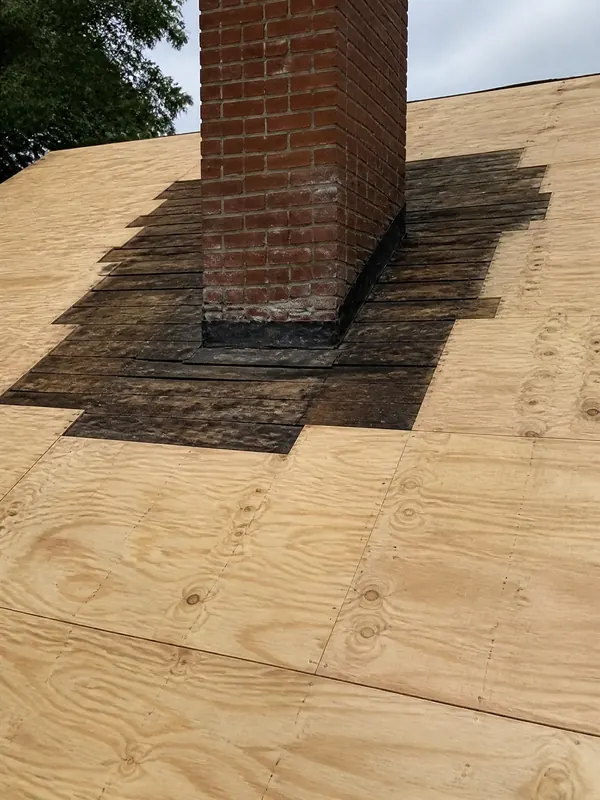
- Stamped
- Date, time, and GPS location recorded with every capture.
- Filed
- Organized by project automatically, never lost in a camera roll.
- Reported
- Branded PDF reports with your logo, from inspection to completion.
- Shared
- Send clients a photo gallery link and control what each person sees.
- Watermarked
- Exports carry your watermark so your photos stay your photos.
- Encrypted
- Encrypted in transit and at rest. Export your data any time.
One plan. Every feature.
No tiers, no per-seat math, no feature you have to upgrade to reach.
Start free with every feature and no card. Subscribe in the app when the trial ends.
Price in USD. Billed and cancelled through Google Play or the App Store.
- Unlimited photos, video, voice notes, and scans
- AI photo descriptions, transcripts, and daily summaries
- Branded PDF reports and client gallery links
- Schedule, tasks, checklists, clients, and subs
- Offline capture with automatic sync
- Share projects with your crew
- Encrypted storage, export any time
Questions, answered.
Does ProjectProof work offline?
Yes. Capture photos, voice notes, video, and scans with no signal. Everything is saved on your phone and syncs automatically when you're back online.
Who is it for?
Tradespeople who need to prove the work they did: general contractors, builders, remodelers, electricians, plumbers, HVAC techs, roofers, painters, landscapers, and handymen. It works for a one-person operation or a whole crew.
How much does it cost?
Every account starts with a 14-day free trial with every feature included and no card required. After that, one subscription of $12.99 per month. No tiers and no per-user pricing. Cancel anytime through Google Play or the App Store.
What happens if I stop subscribing?
Your projects stay in your account and remain viewable and exportable. Adding new captures, edits, and reports needs an active subscription.
Who owns my photos and data?
You do. Your data is encrypted in transit and at rest. We never sell it, never use it for advertising, and never let AI providers train on your content. You can export your work at any time.
Is there an iPhone version?
ProjectProof is available now on Android through Google Play, and the iPhone app is coming soon to the App Store. Your account and projects sync between both.
Document your next job the easy way.
The record that settles disputes, impresses clients, and makes the paperwork disappear. Free for 14 days.
iPhone appcoming soon